 Opentern
Meet Opentern,
your markets, on your machine
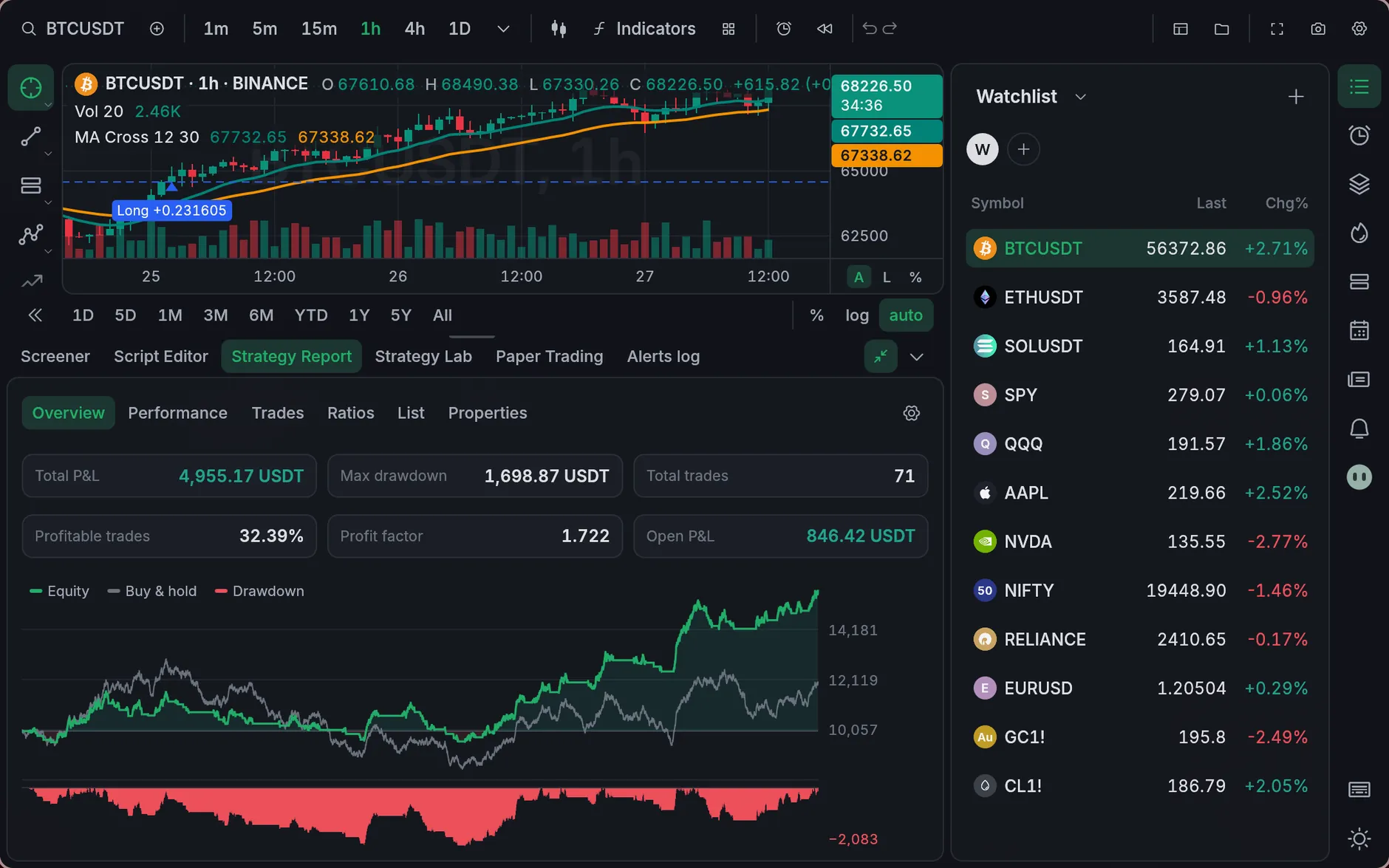
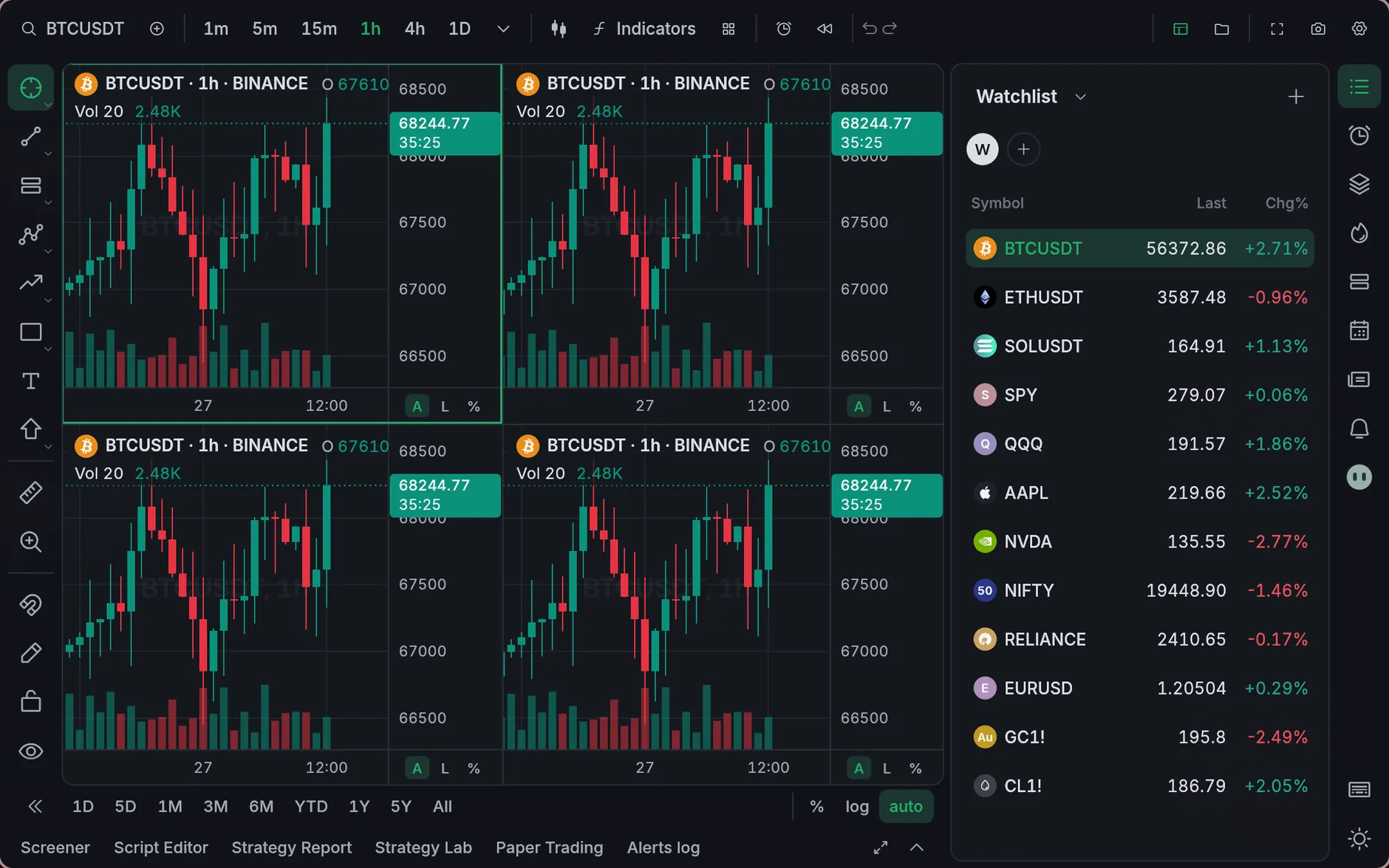
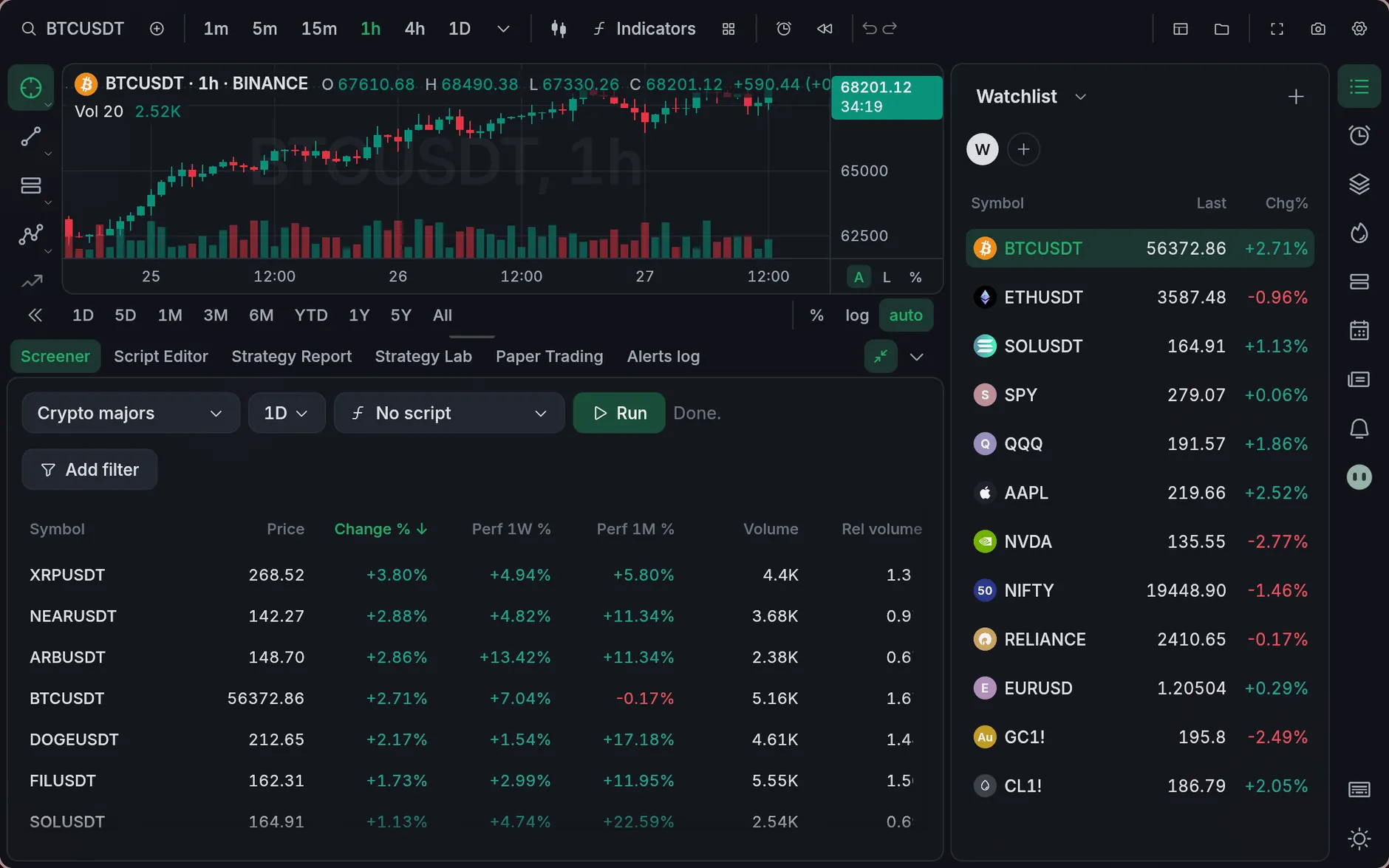
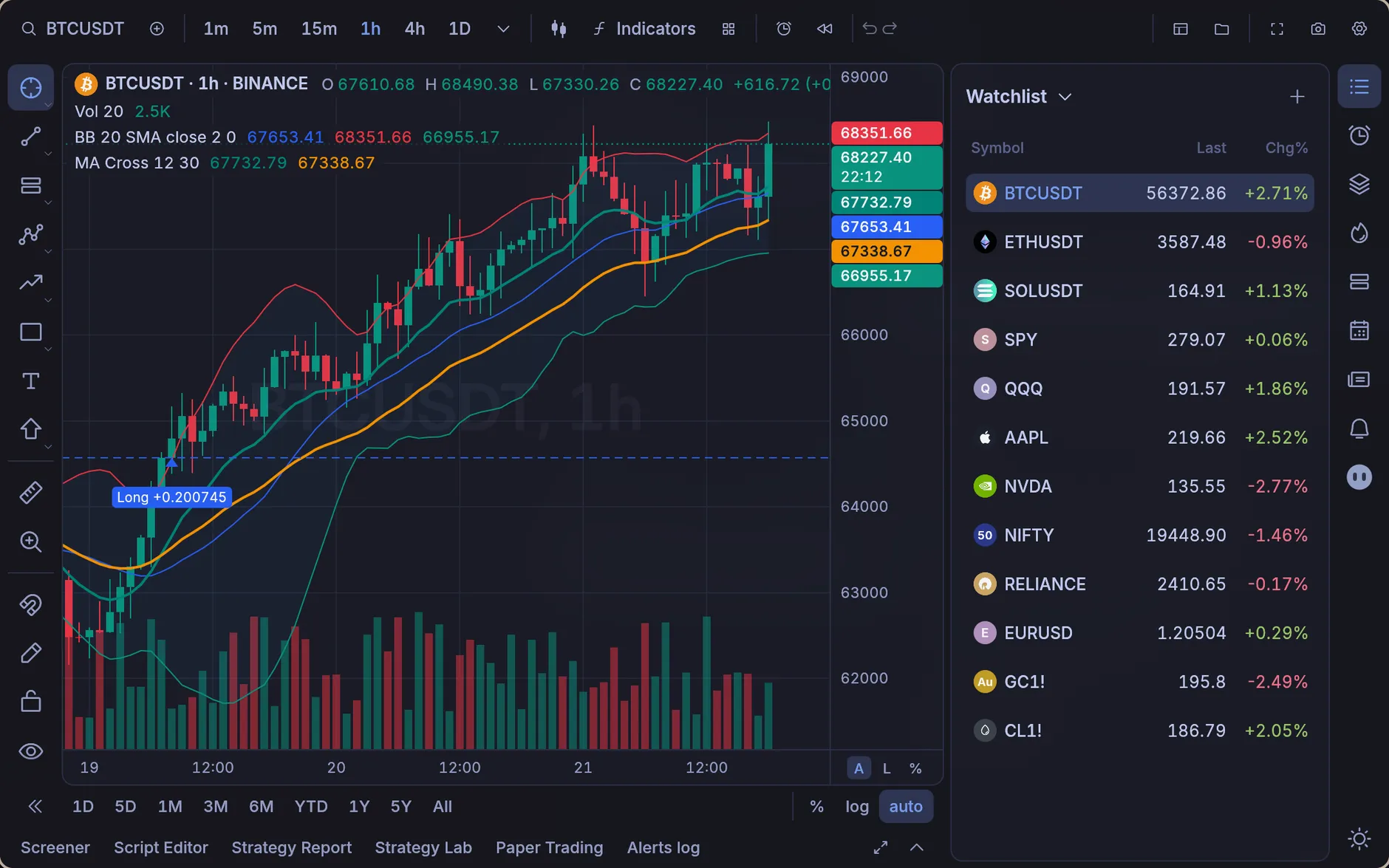
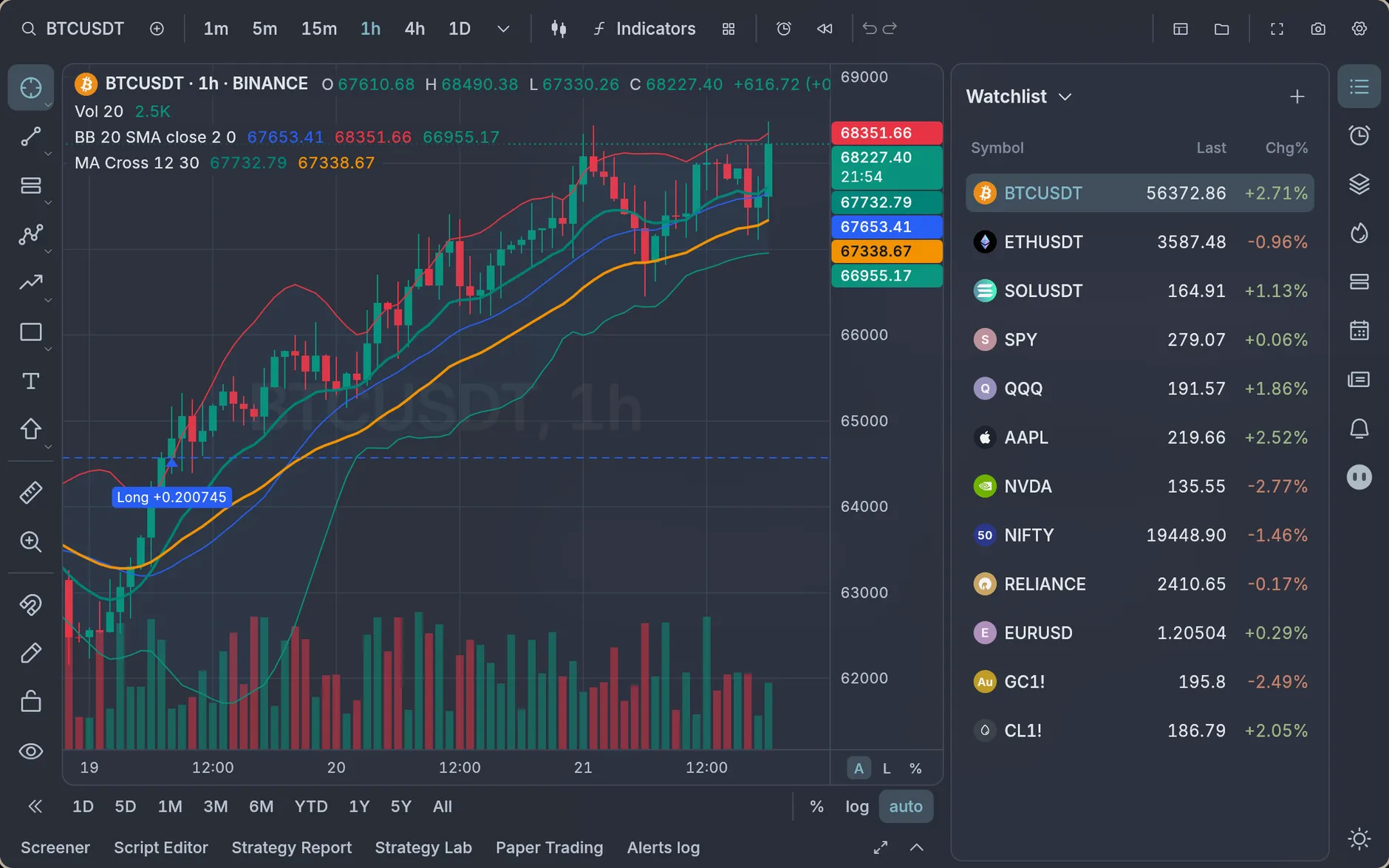
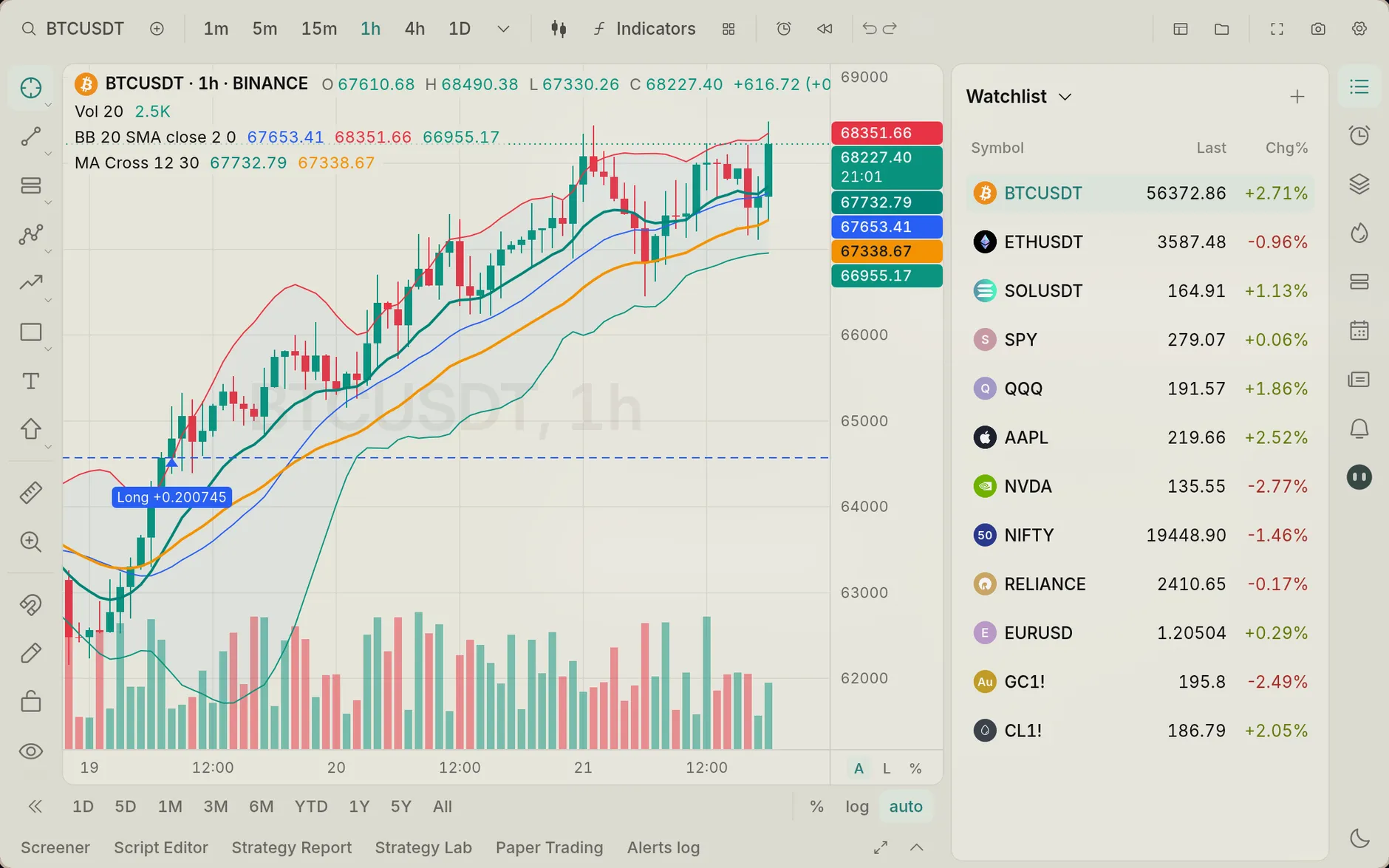
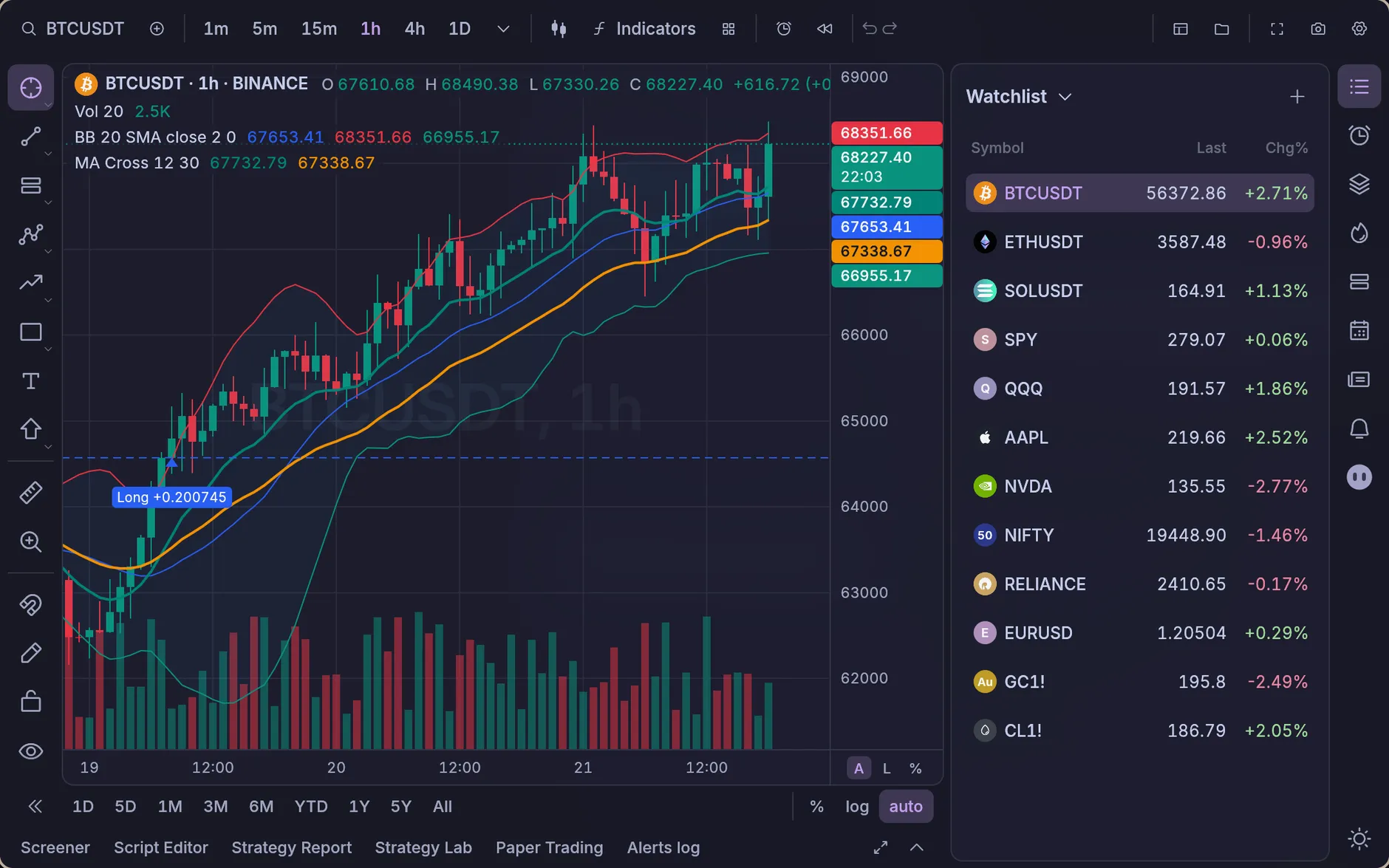
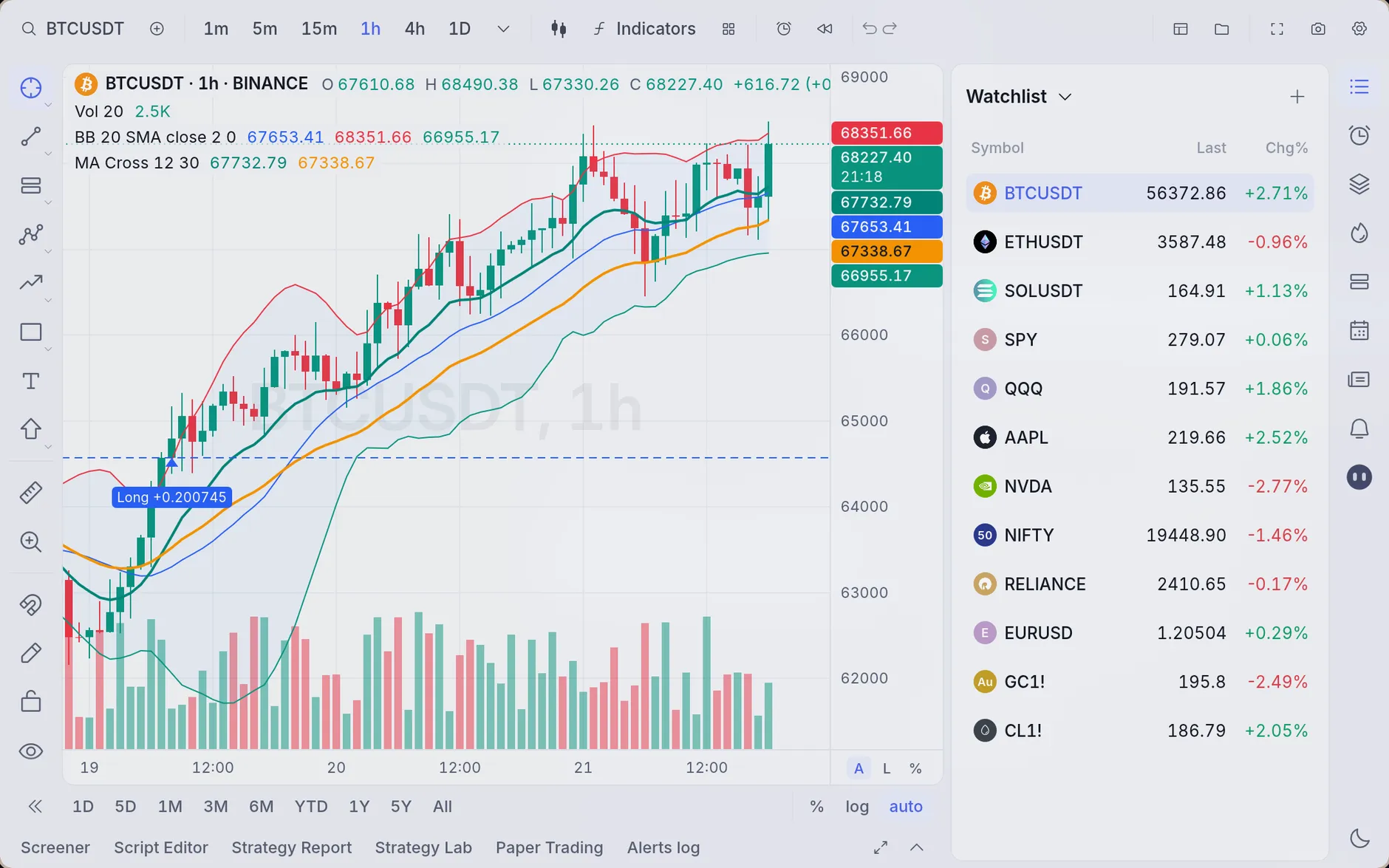
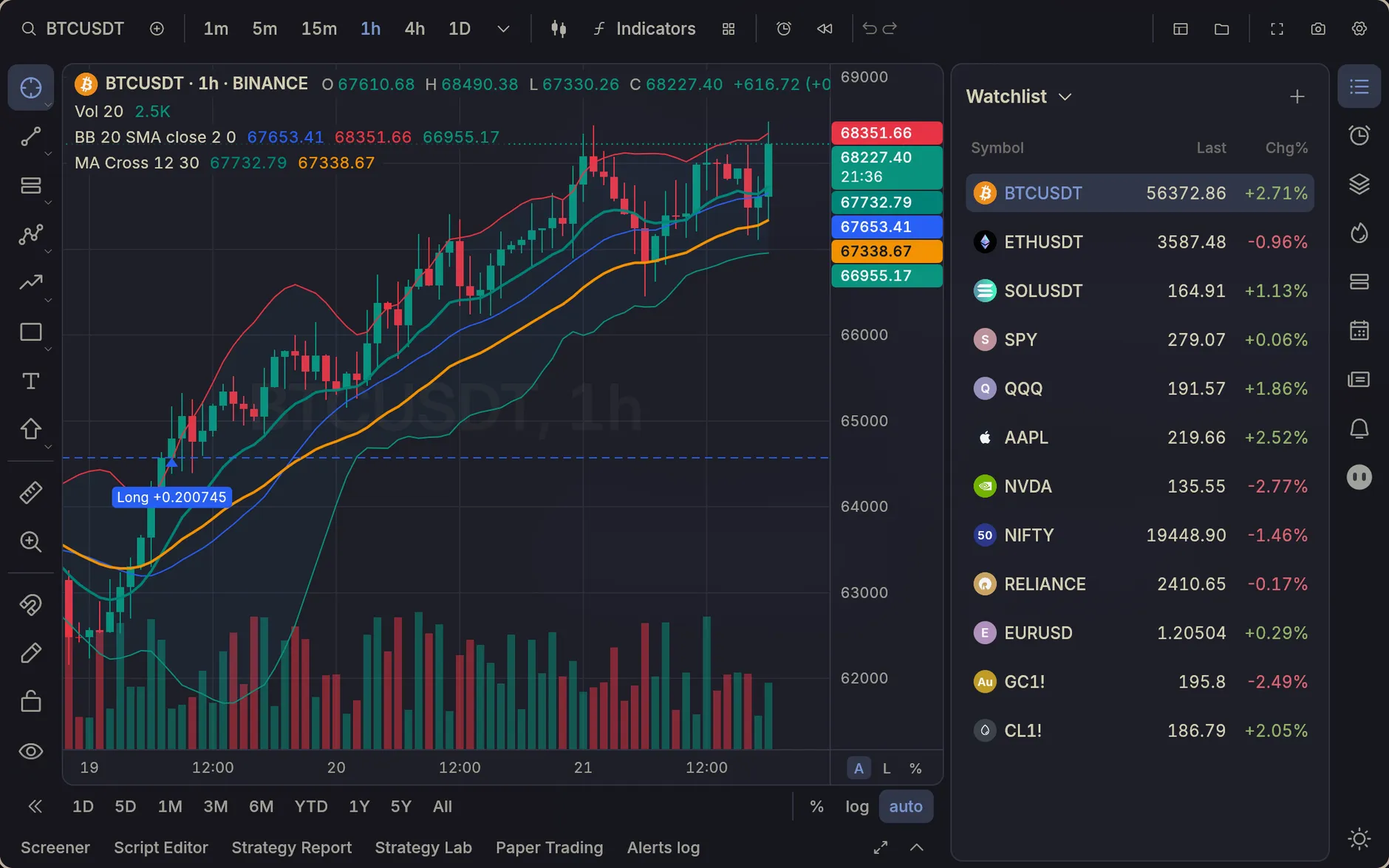
TradingView’s charts, indicators and Strategy Report, with the Pine Script you already know, in a native app that opens in a blink. No account, and nothing leaves your computer.
Free and open source · Linux, macOS and Windows
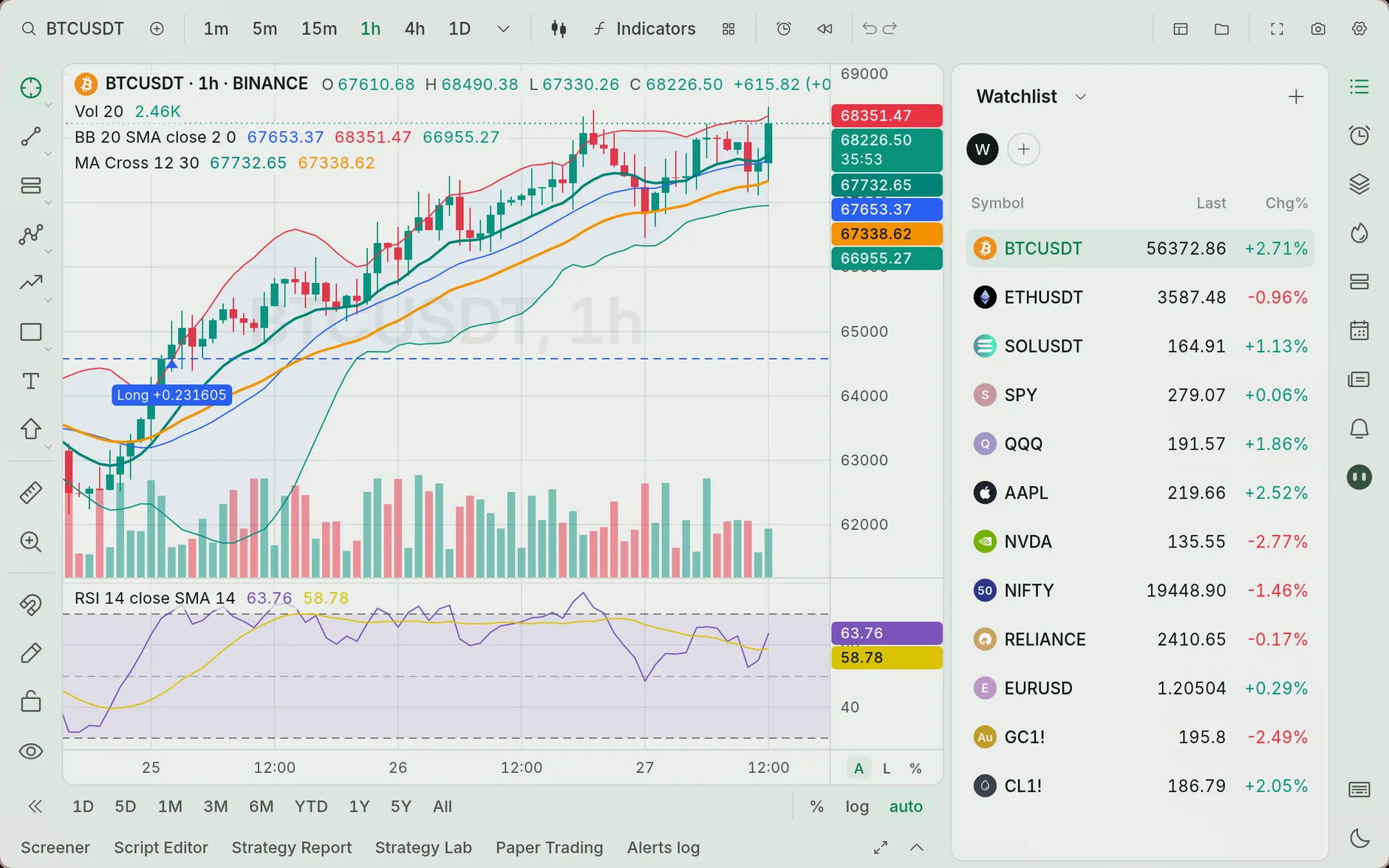
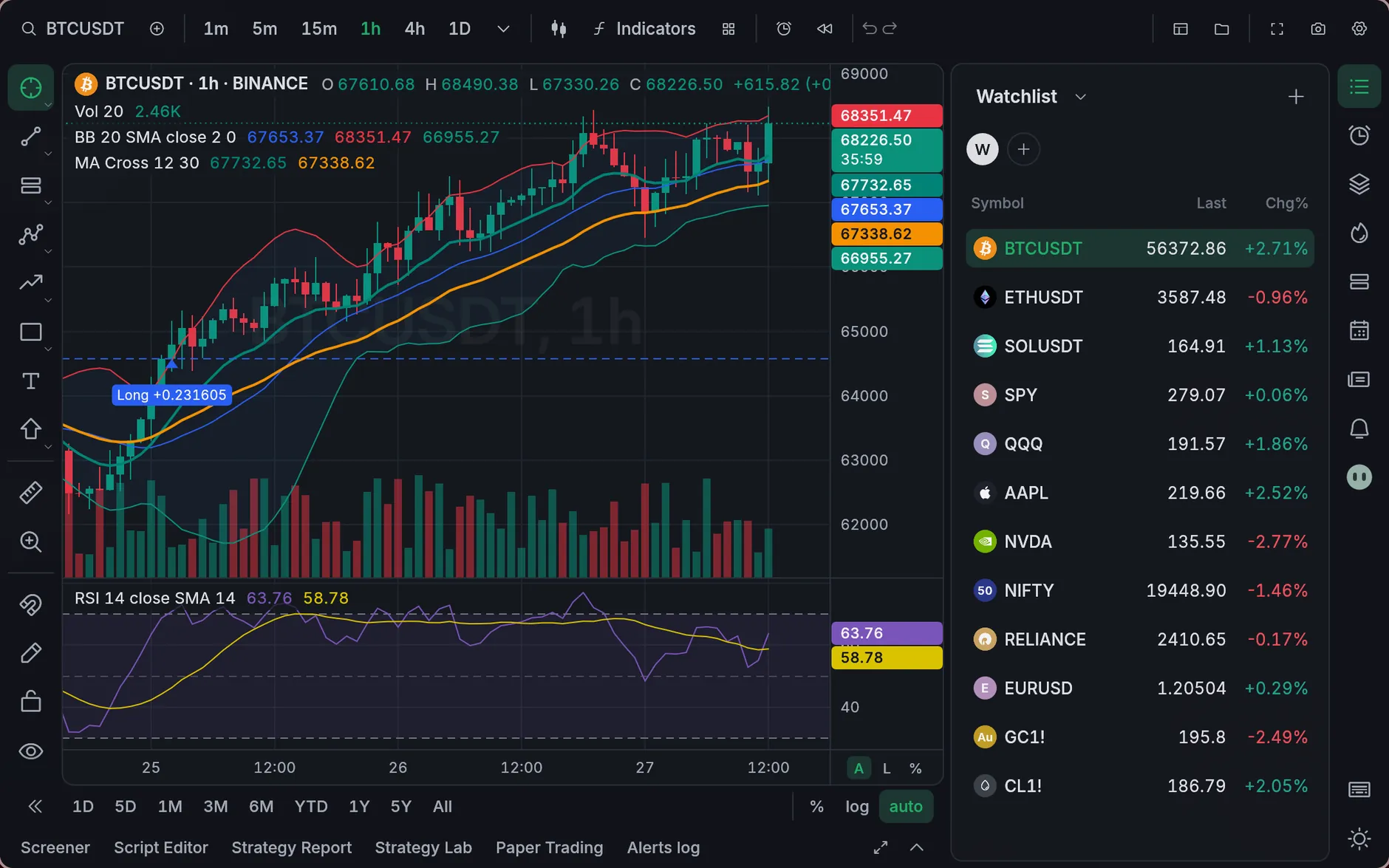
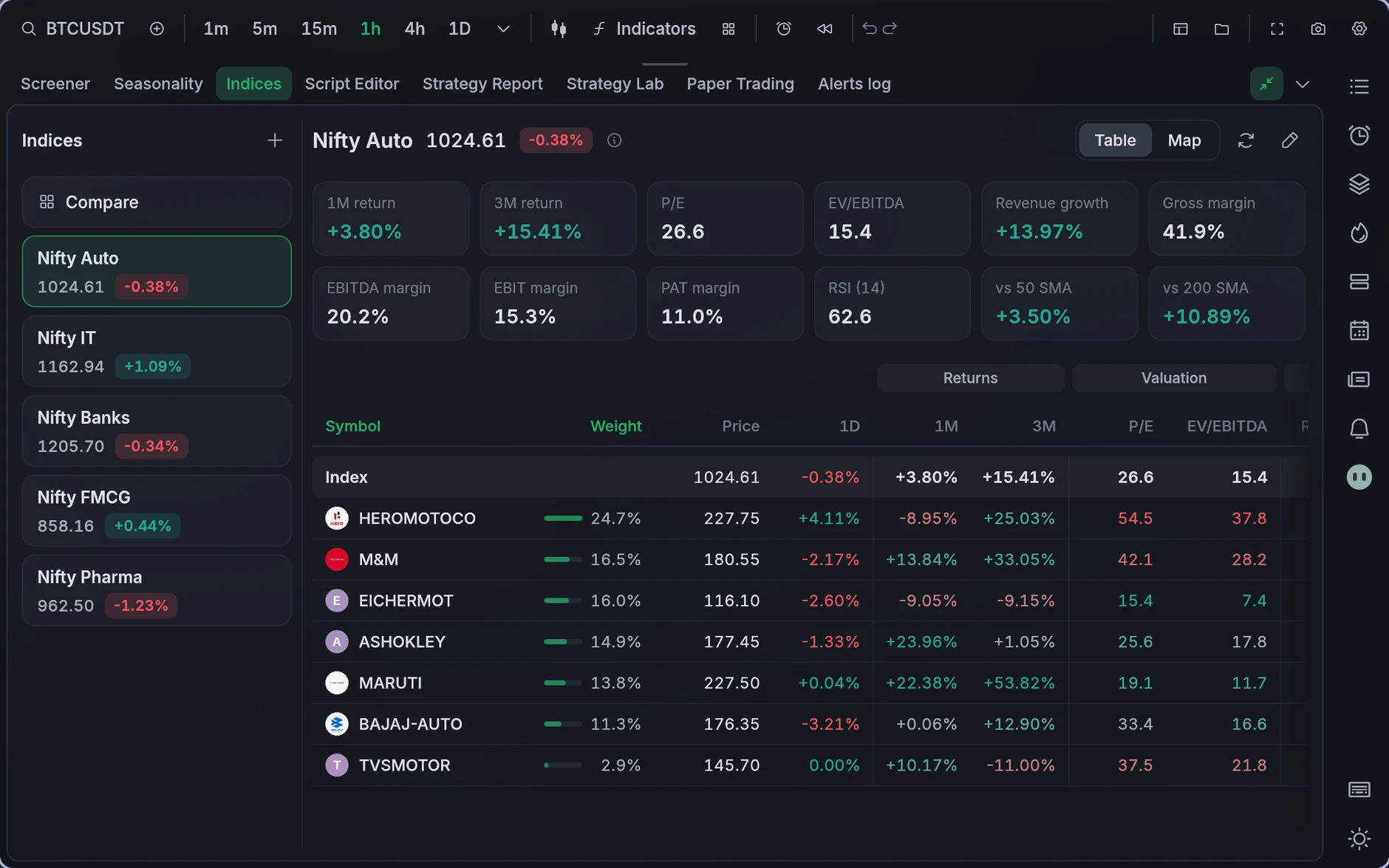
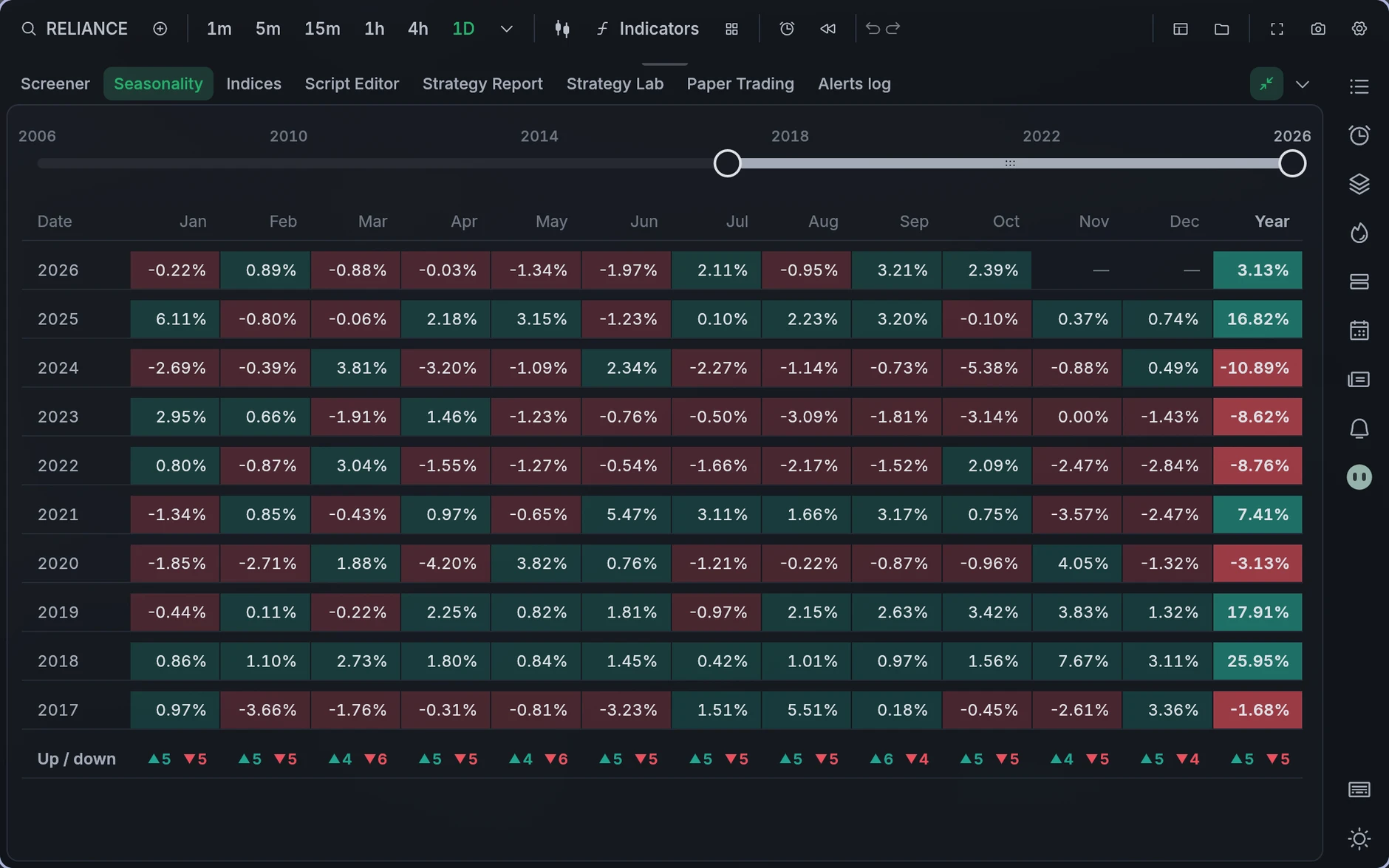
Take a quick look around
Install in one line
Paste this into a terminal. It downloads the latest release, checks it, and puts Opentern in your apps.
curl -fsSL https://raw.githubusercontent.com/ahaan-shah/opentern/main/install.sh | sh
irm https://raw.githubusercontent.com/ahaan-shah/opentern/main/install.ps1 | iex
Paste this in your terminal
Paste this in PowerShell
If you prefer downloading directly, you can install the .exe and set it up the way you’re used to on Windows.
Portable archives, ARM builds and the macOS disk image are on the latest release.
Backtests that match, to the cent
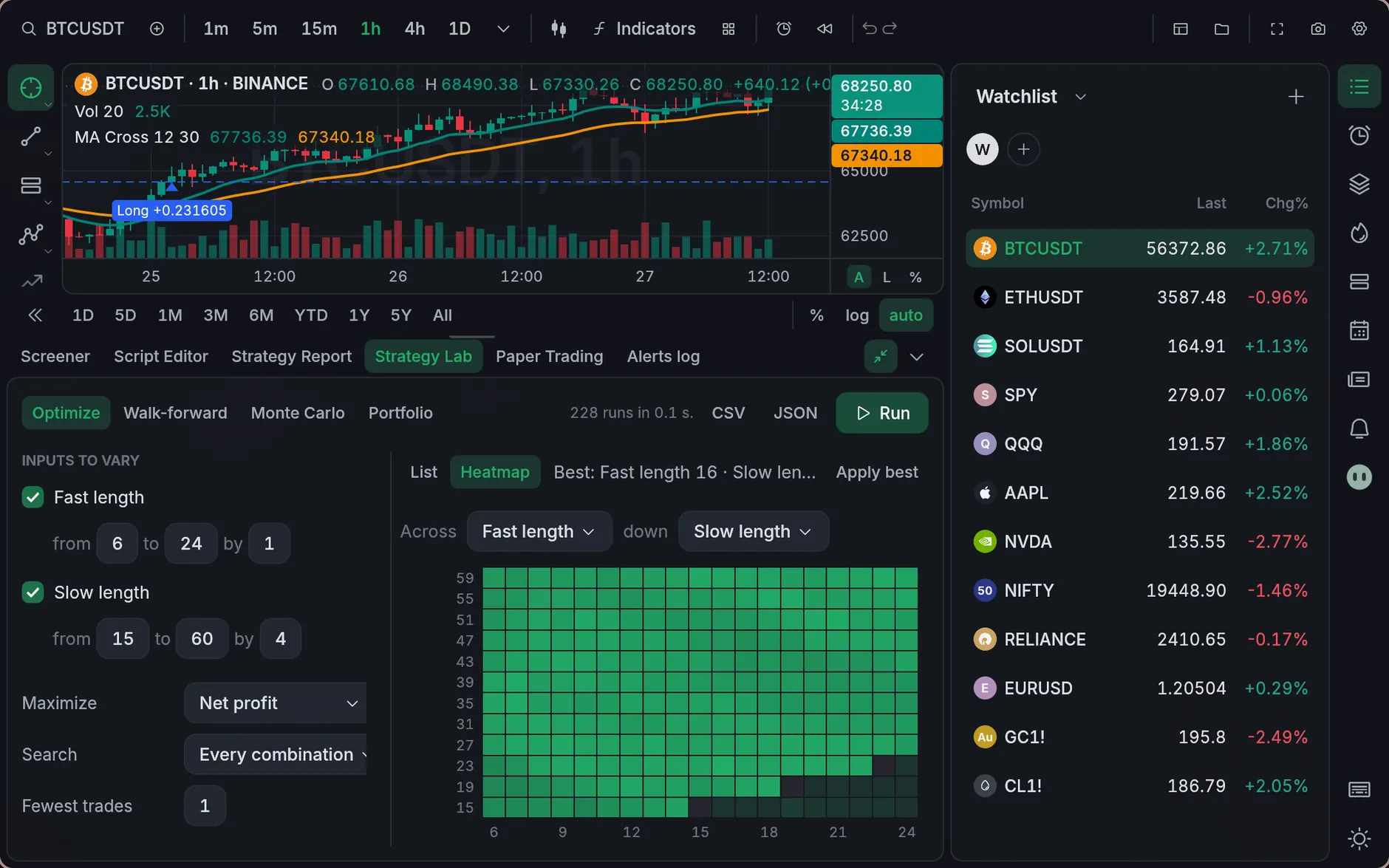
TradingView’s fill rules, metrics and Strategy Report, checked against TradingView’s own numbers. Then optimize, walk it forward, or stress it with Monte Carlo.
An agent beside the chart
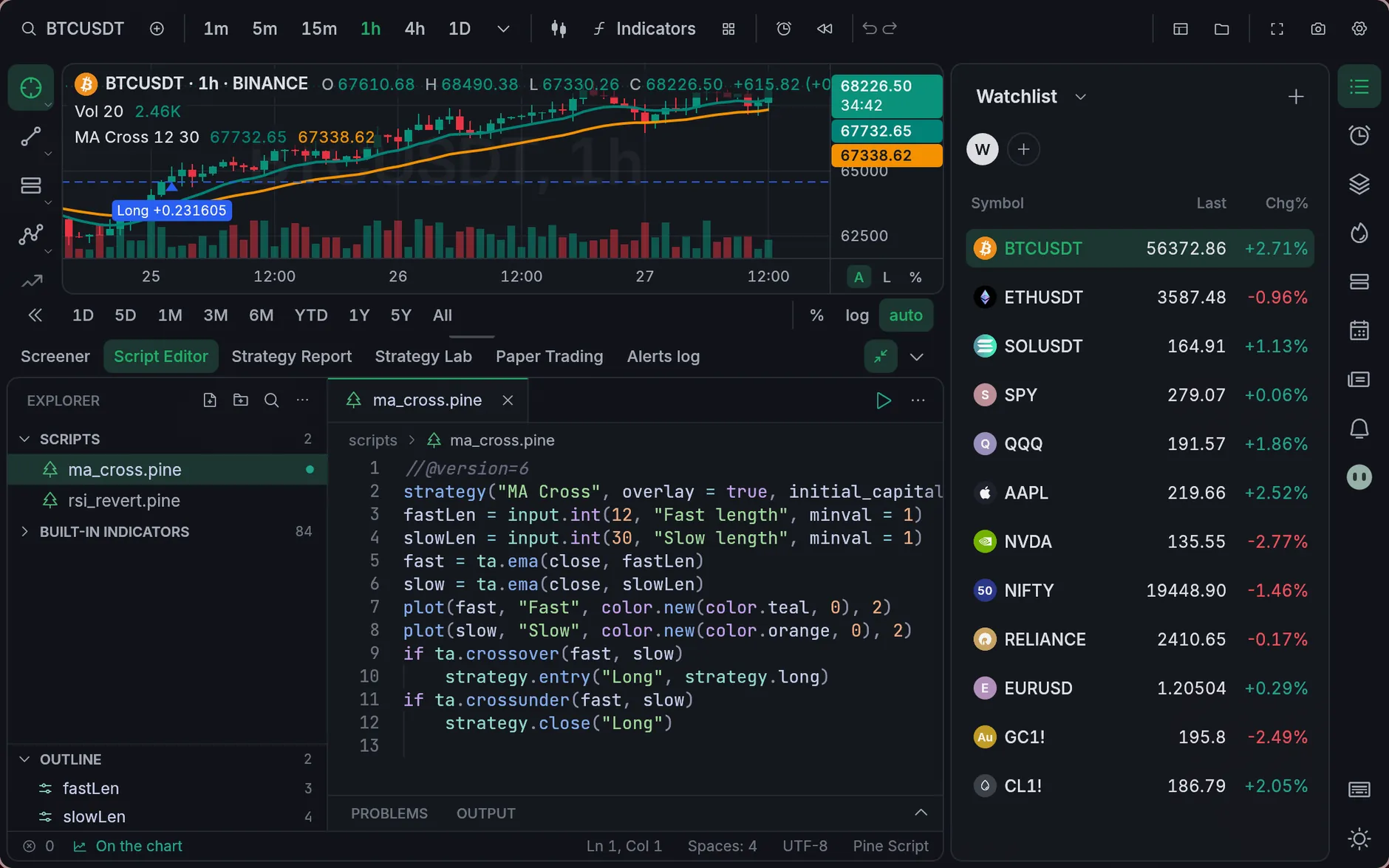
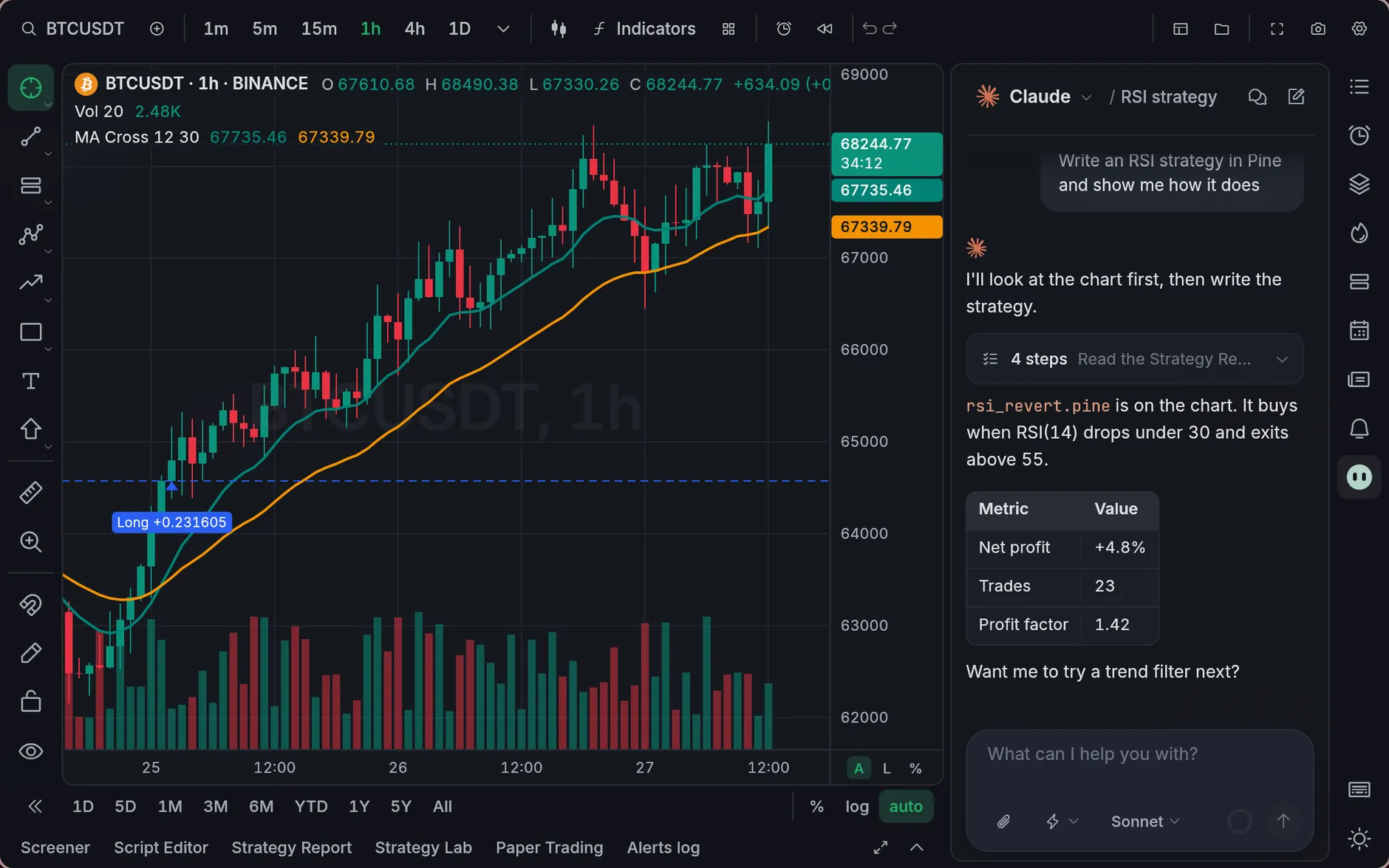
Ask Claude Code or Codex to write a strategy, explain an indicator or read your backtest. It sees the chart and works in your scripts folder, with your own sign-in.
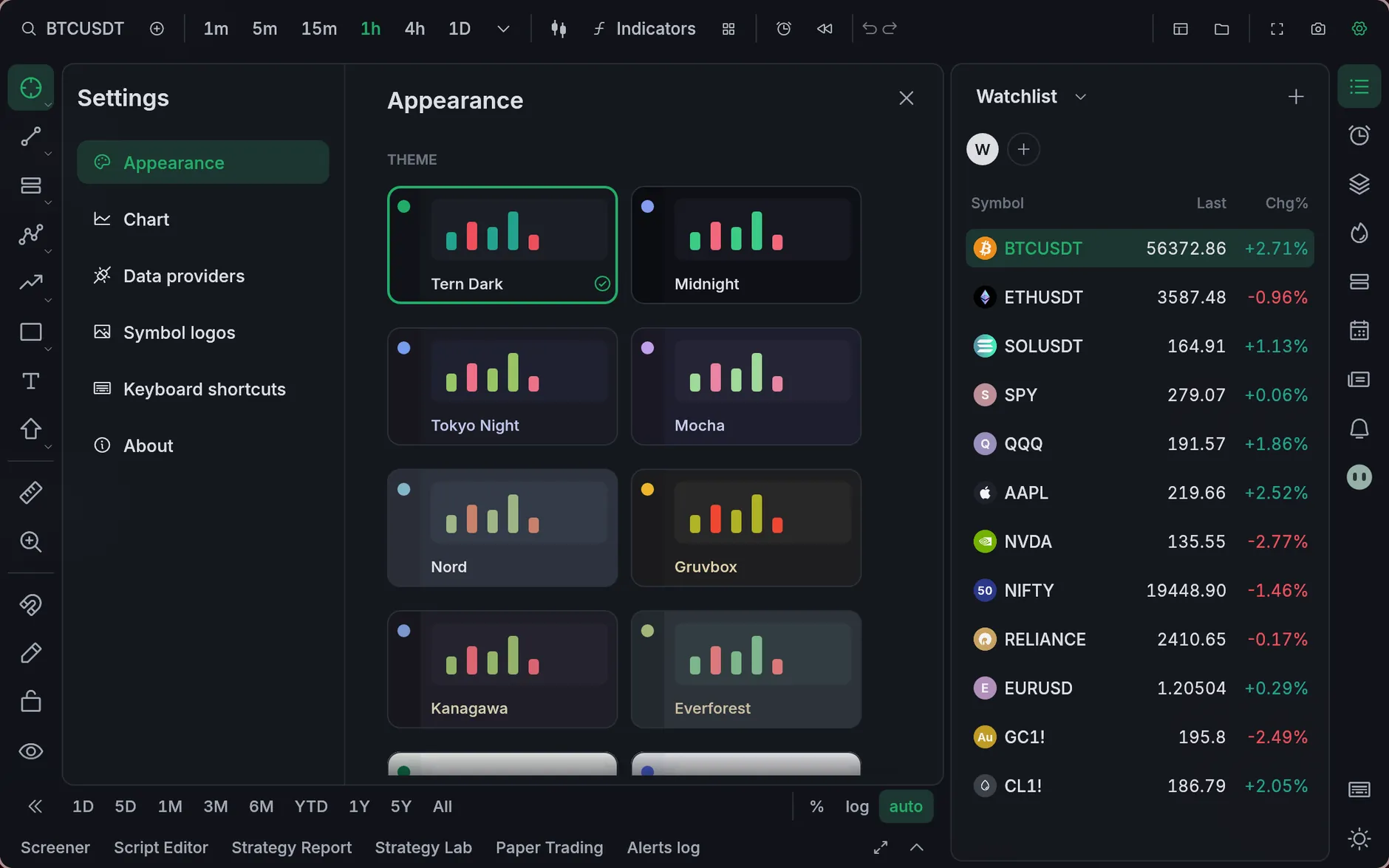
Make it yours
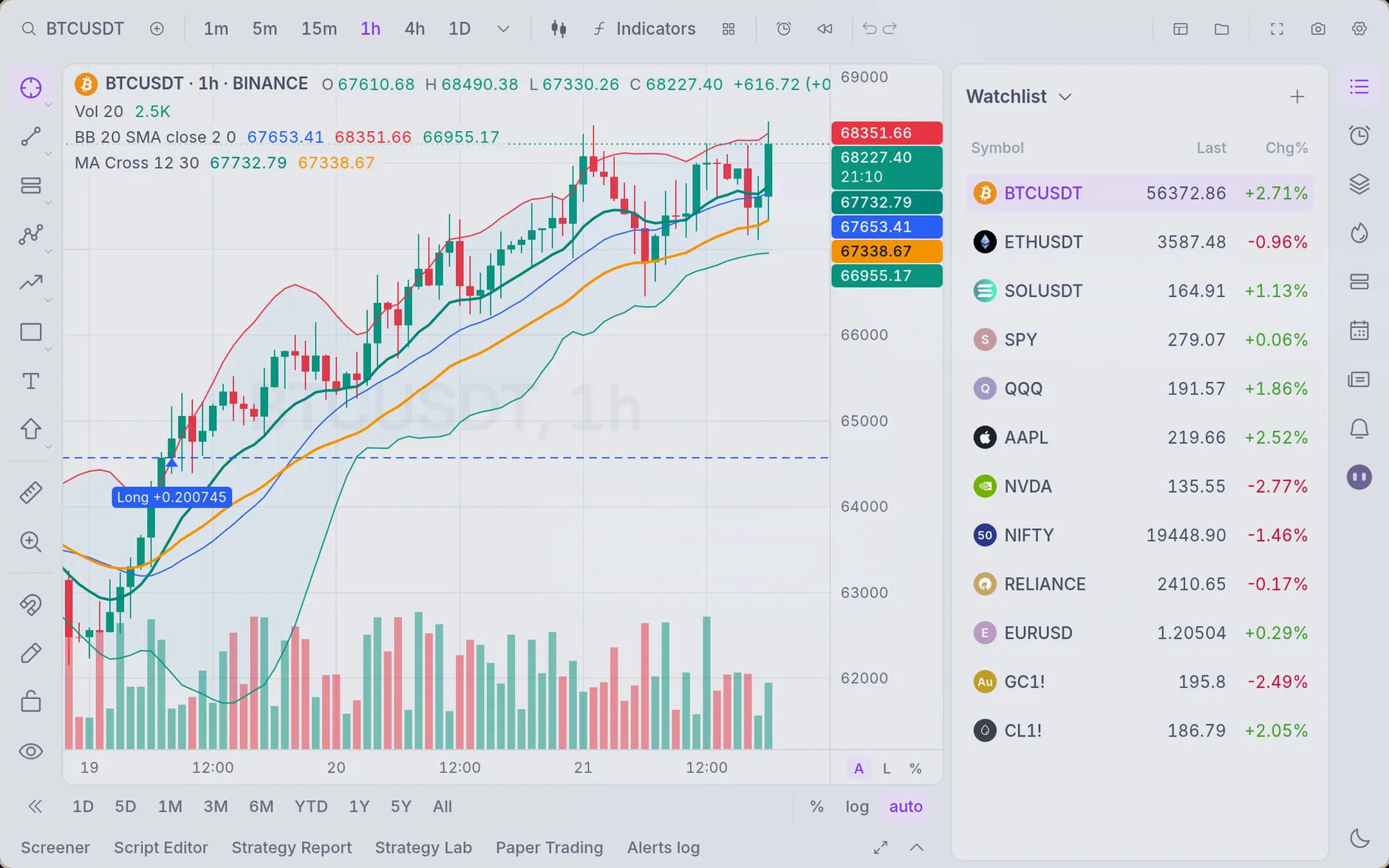
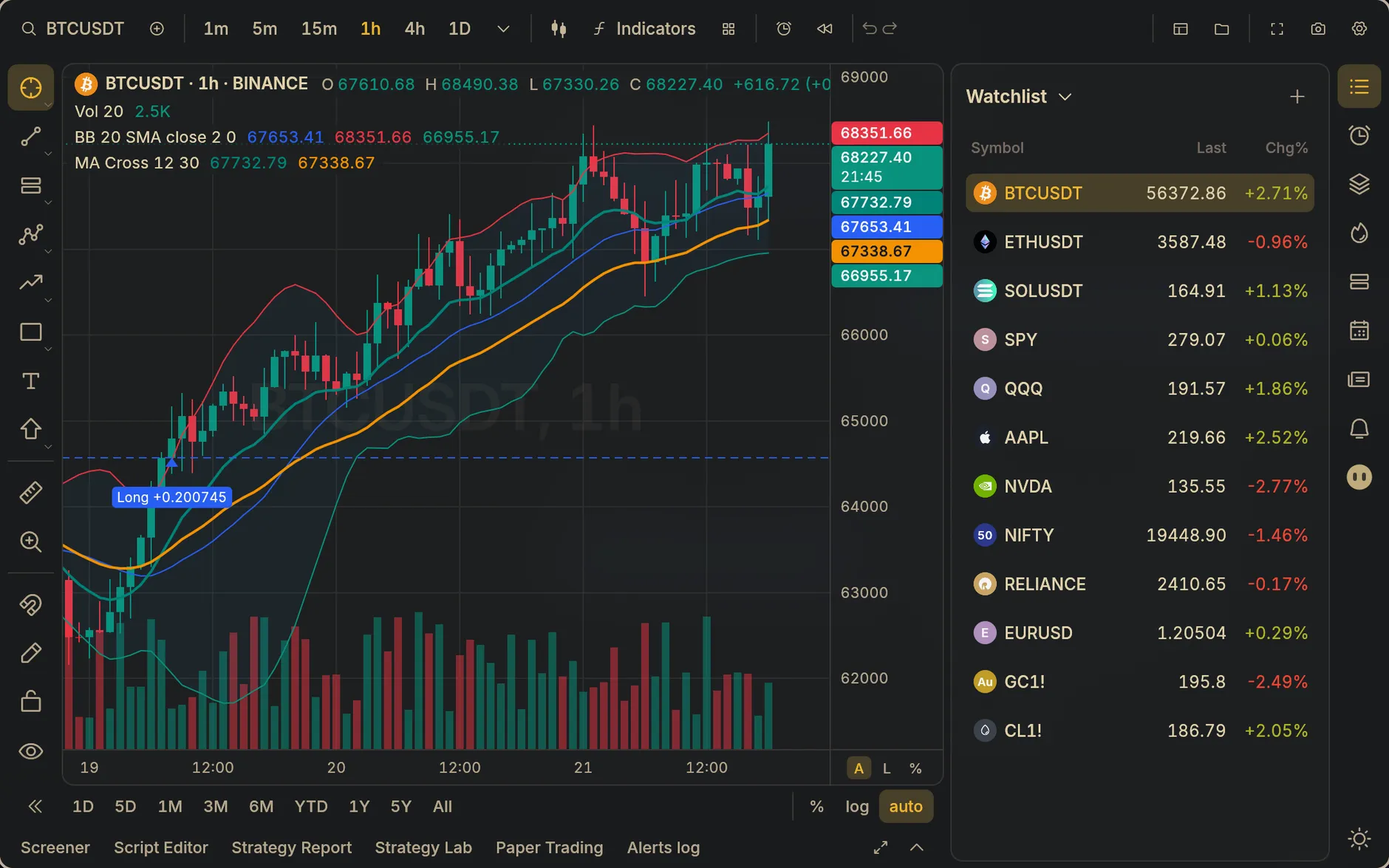
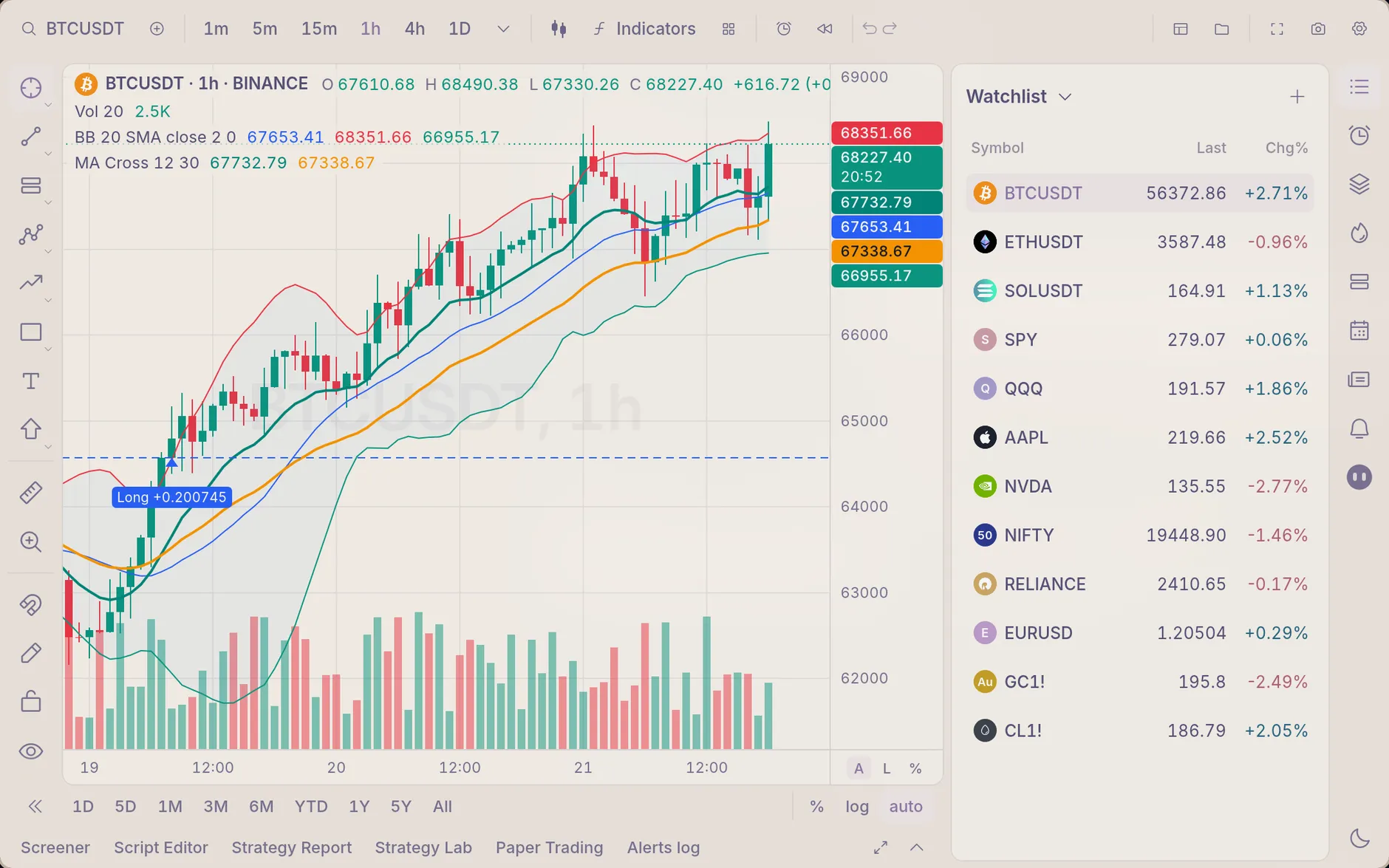
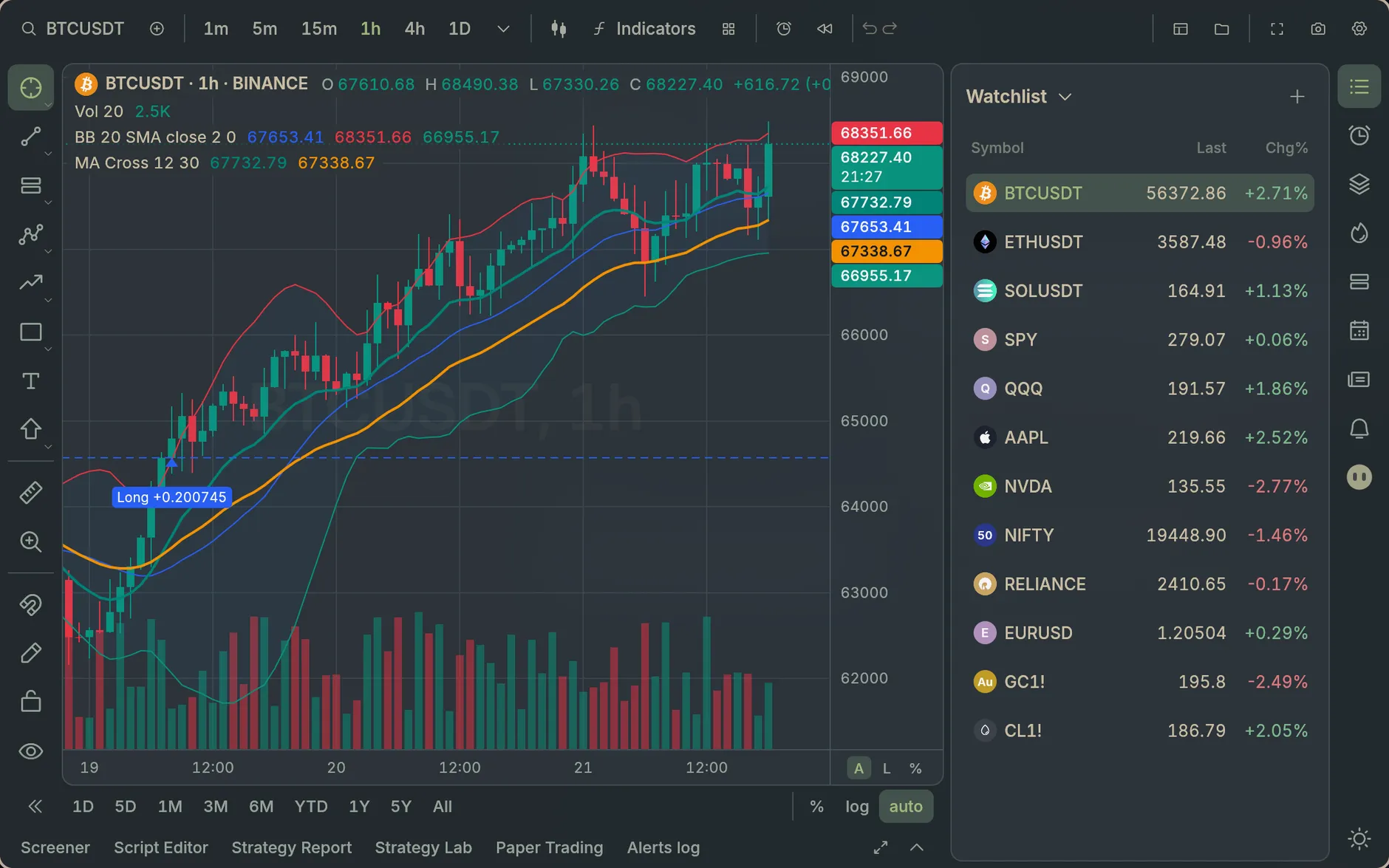
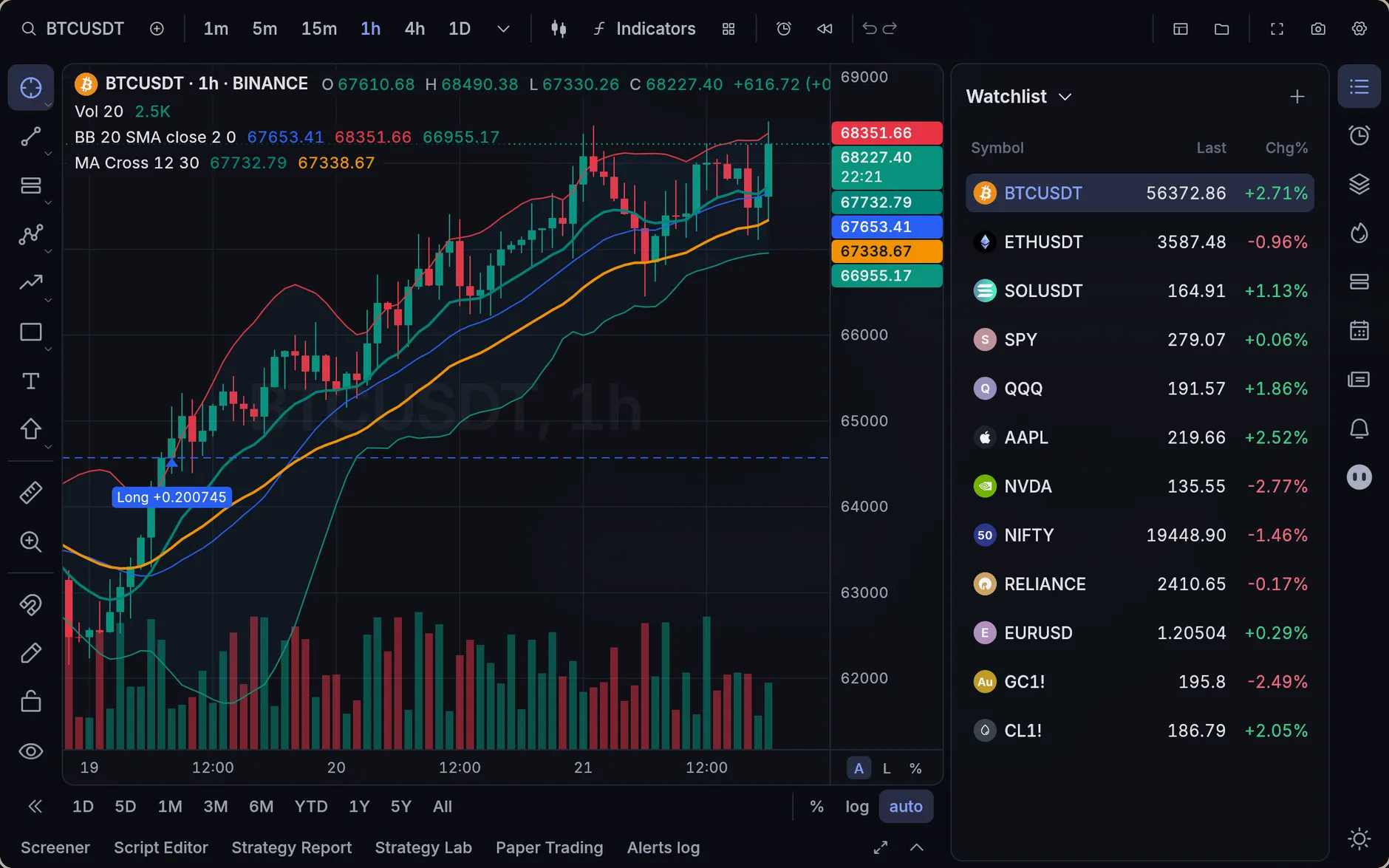
Sixteen themes and nine fonts, crossfading as you switch.
What traders are definitely saying
“My backtest matched TradingView to the cent. My actual trading still doesn’t match my backtest, but that’s on me.”
“It opened before I finished saying ‘let me just pull up the chart’. I had to find a new filler phrase.”
“I asked the agent for ‘buy the dip, but smarter’. It wrote the strategy, put it on my chart and showed me the backtest before my coffee cooled.”
“I practised on paper until my strategy finally clicked. Now my real account and I are on very good terms.”
“I ran the optimizer over 50,000 combinations. The best one was the default settings. I’ve never felt so seen.”
“No account, no sign-in, no telemetry. For the first time, my charts don’t know more about me than my bank.”
Testimonials are made up. The app is real. Nothing here is financial advice.
Standing on good shoulders
The window is egui, the scripts run on Opentern’s own Pine engine, Luau and QuickJS, and the market data comes from the exchanges and providers you choose. TradingView’s open-source ta library ships with it under the MPL 2.0.
Pine Script® and TradingView® are trademarks of TradingView, Inc. Claude is a trademark of Anthropic, and OpenAI and Codex are trademarks of OpenAI. Opentern is an independent project, not affiliated with or endorsed by any of them.
 Made byAhaan Shahgithub.com/ahaan-shah